RovyVon Aurora A3 (G4) USB-C Keychain Flashlight Review
The RovyVon Aurora A3 (G4) USB-C Keychain Flashlight is durable, powerful, and compact, making it ideal for use on the go, wherever you're traveling.
Our Verdict
Save time. Get access to brief summaries of our reviews so you can browse and make decisions more efficiently.
Pros
- It’s very bright for its size
- The light is highly durable
- We have no issues with battery life
Cons
- Some of the modes are hard to activate due to the button-pressing scheme
- There aren’t any extra lights like other models we’ve tested
- It’s quite small, so it’s easy to lose
Technical Details
-
Weight (oz)
0.81 oz (23 g)
-
Dimensions
2.26 in x 0.61 in (5.7 x 1.5 cm)
-
Notable Materials
Aluminum, Metal
-
Manufacturing Country
China
-
Warranty Information

Full Review
The RovyVon Aurora A3 (G4) USB-C Keychain Flashlight is highly durable, powerful, and fits into a small package. Still, we’re curious how much we’ll use such a rugged light for regular travel. Let’s dive in and do some tests!
The Rundown
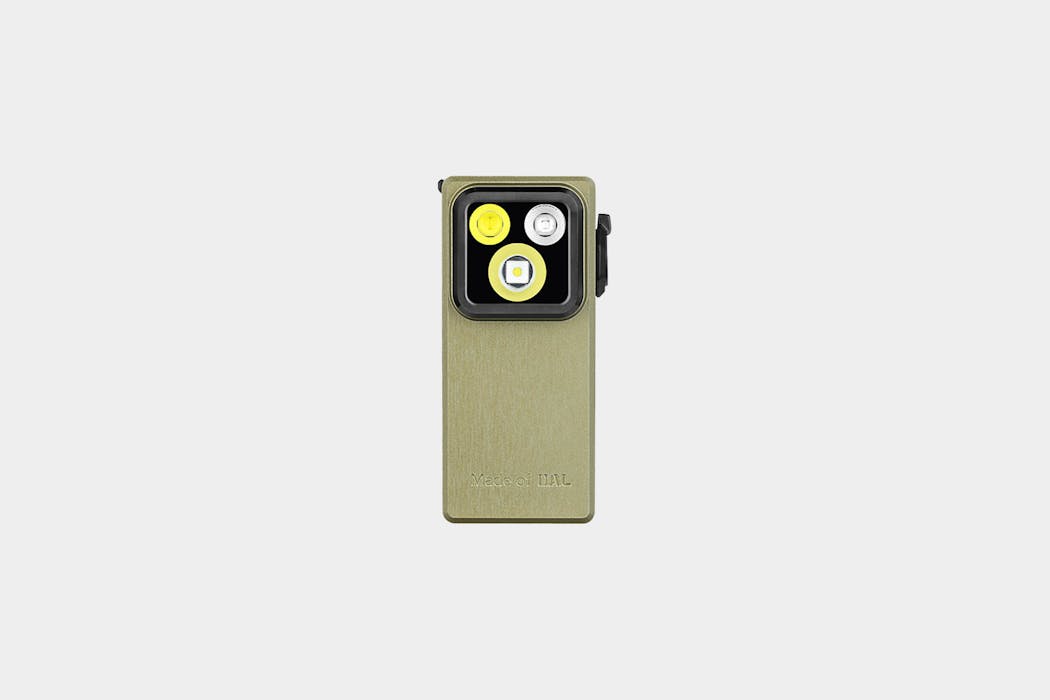
The light is crafted from 7075 aluminum alloy. There’s some silicone here, too, which enables it to retain an IPX6 rating, protecting it from everything except complete immersion. Splashes, sprays, and spews are no match for the Aurora A3, but keep it safe from drops in the lake. There are also stainless steel and titanium versions of the light, allowing you to choose a model that suits your needs.
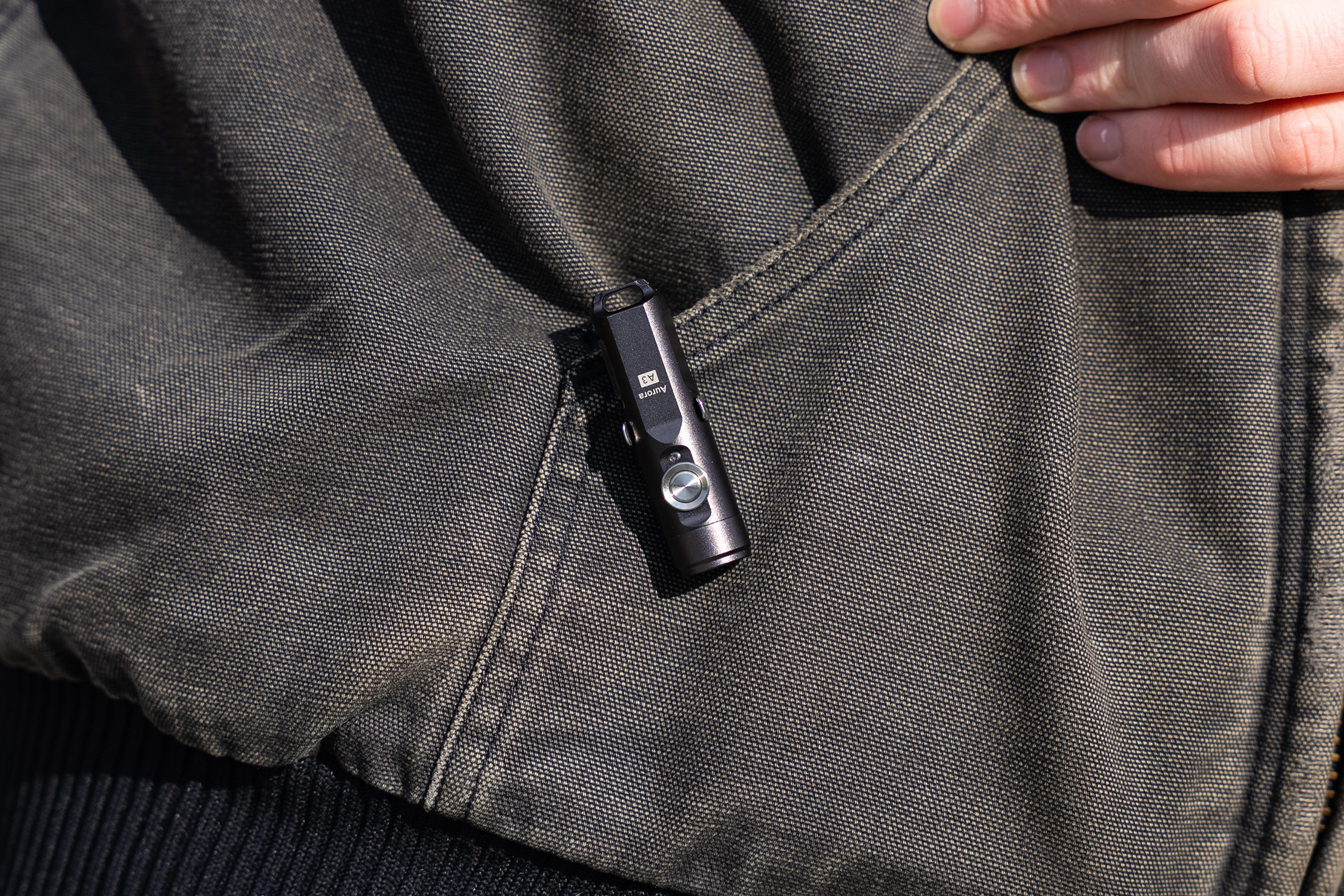
There’s a keyring loop on the back and a metal clip to attach the light to various items, as well. It’s pretty versatile, allowing you to attach it to a wide range of items, from your pants to your wallet or tool set.
The actual power button is made of metal, which is a unique feature. Typically, these buttons are made of silicone or another type of plastic. This doesn’t significantly impact usage, but it does feel neat. There’s a low battery indicator light right next to it, so you know when the battery is almost depleted.
There are two versions of this light. One has a high output (6500K cool white at 70 CRI) and the other has a high CRI (5000K neutral at 90 CRI). The higher the CRI, the more natural the colors look when illuminated by the light. The higher the Kelvin temperature, the cooler the light appears.
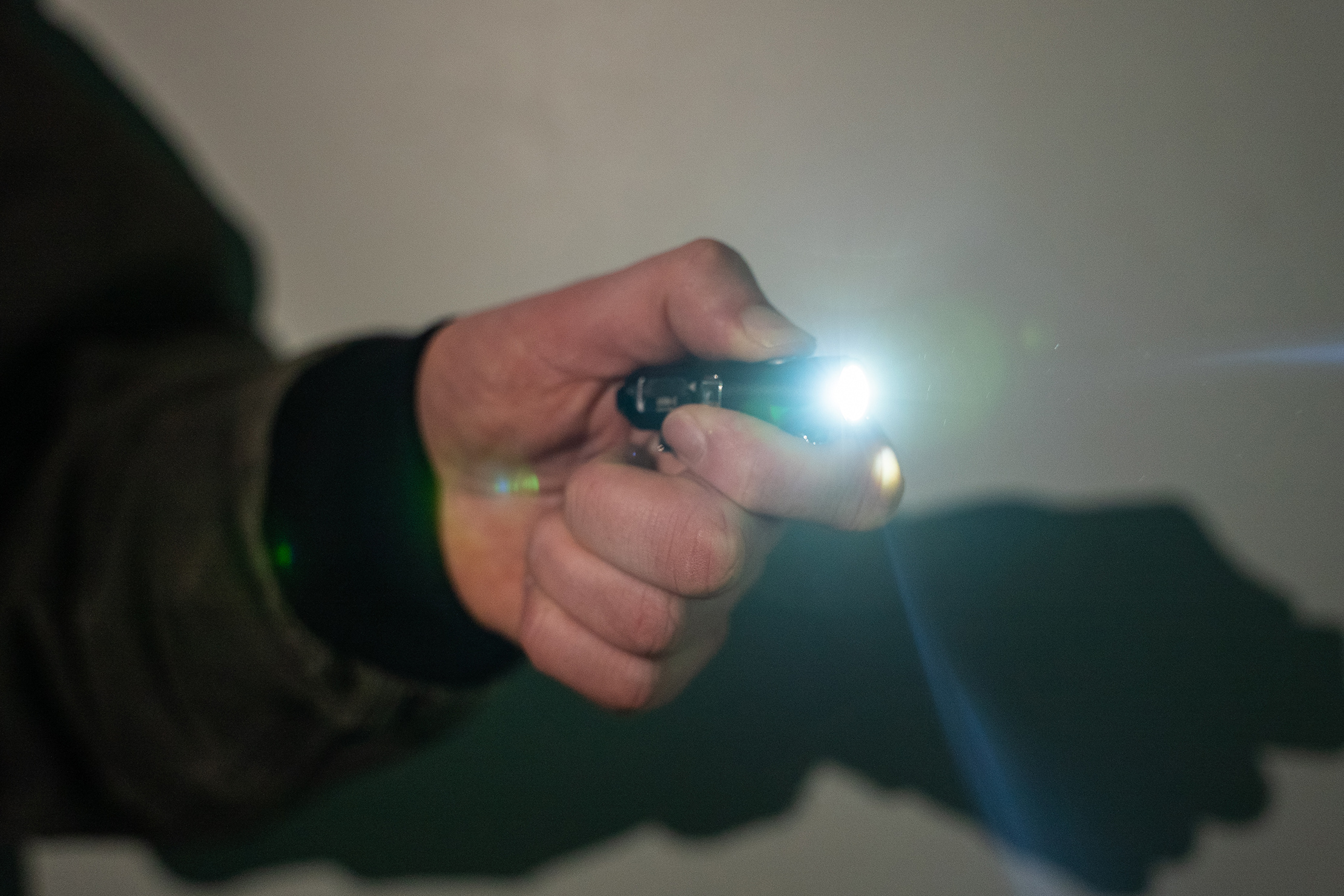
On high, the light will output for an hour and 15 minutes. For moonlight mode, the lowest setting, you’ll get 56 hours. This isn’t particularly useful for much other than reading in total darkness, but it’s handy in emergencies when you need a little light for an extended period.
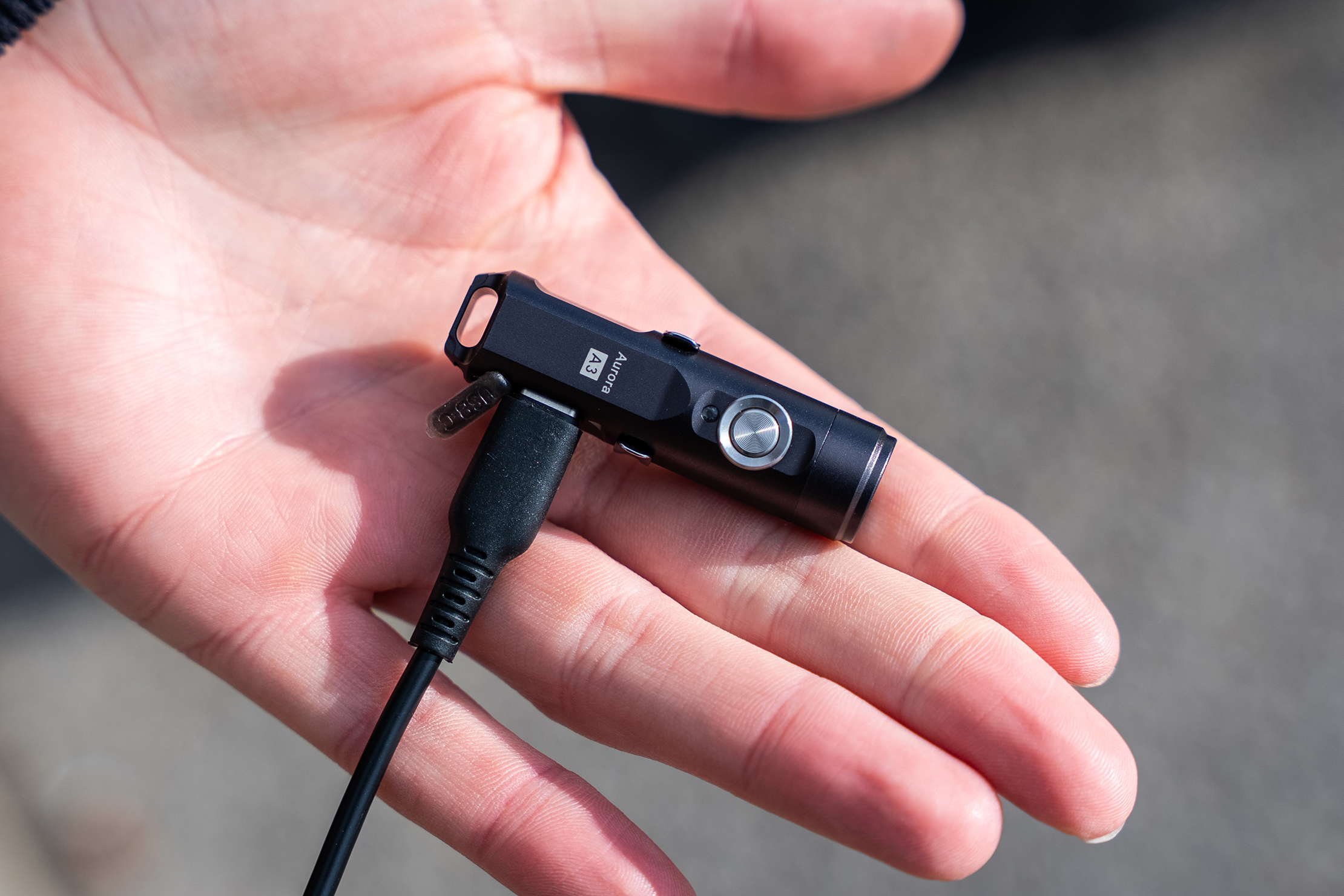
The light charges using a USB-C port and has a 330 mAh battery. This makes it very convenient to charge on the go, as you likely already have a USB-C cable with you most of the time. If not, this might be the push you need to switch! The light charges in about an hour, which isn’t wicked fast, but is a solid performance.
The light features a locking mechanism to prevent it from turning on when you don’t want it to. To enable this feature, hit the power button five times in a row fairly quickly. If you have larger hands or aren’t super quick, this may be a challenging feat. This locks the light so it won’t perform unless you take it out of locked mode, which you do by hitting the lock button five more times.
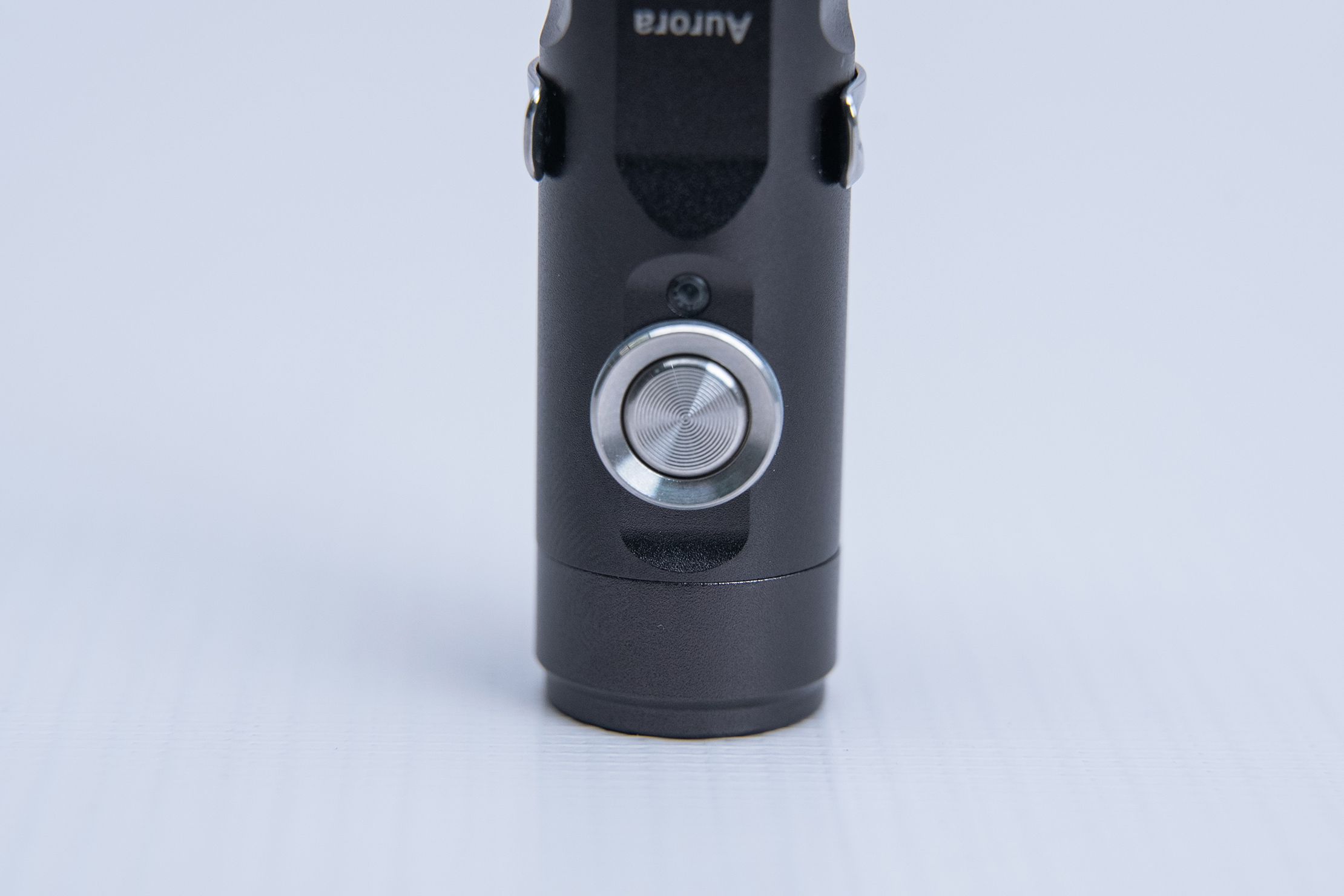
Once unlocked, you can use the light properly. Hit the button once, nothing happens. Hold the button once, and the light turns on high until you let go. This is handy when you need a lot of light quickly, but won’t need it for an extended period.
When you hit the button twice, the light turns on, and you don’t have to hold the button to keep the light on. There are four brightness settings, and each time you tap the button, it’ll cycle through the brightness levels.
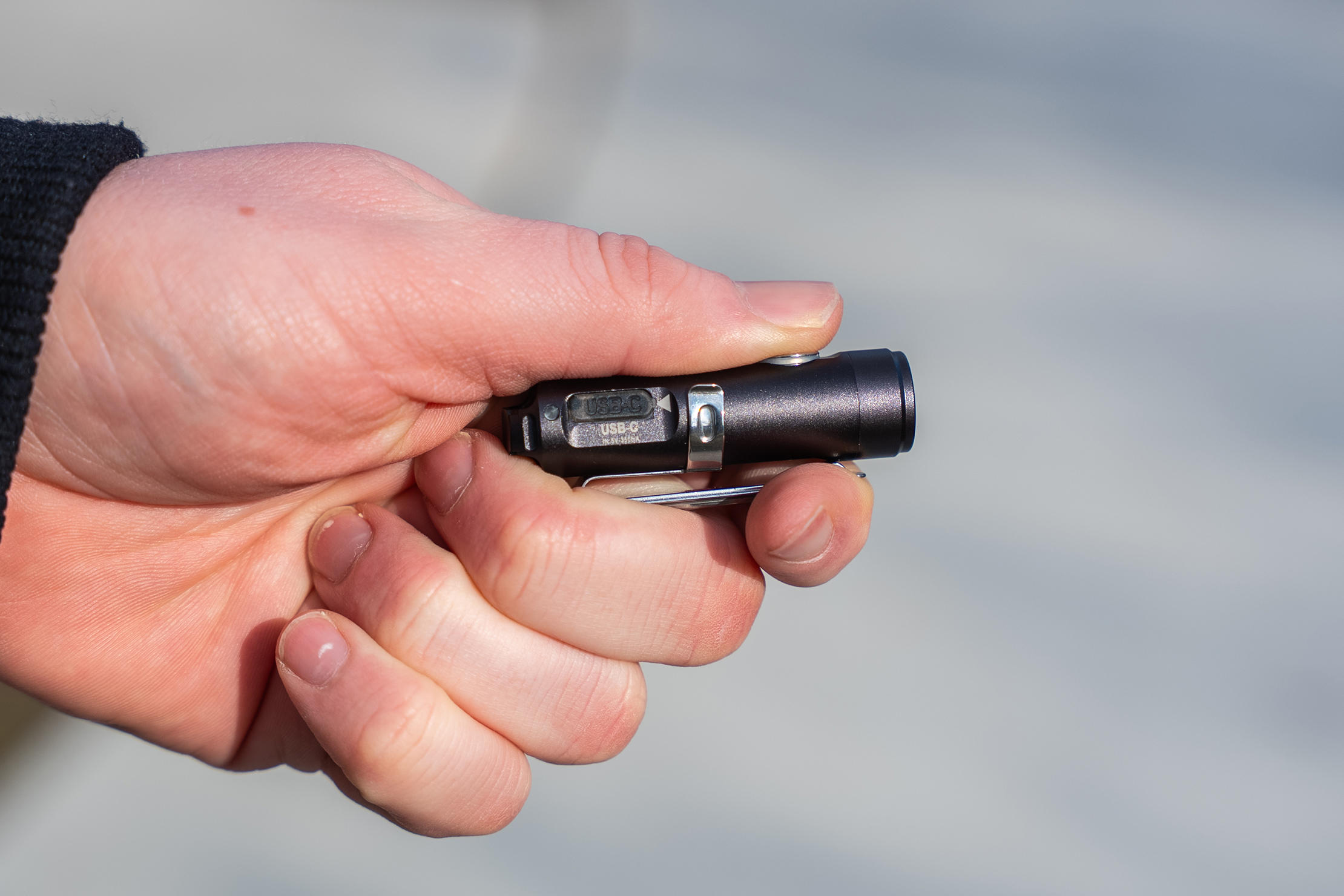
When you hit the power button three times, strobe light mode is engaged. This is handy when you want to be seen, though we did enable it a few times by accident while trying to lock the light (five clicks). We dig the feature, but we didn’t use it very often. Hit the power button one more time to turn off strobe mode.
Depending on which model of light you choose (high CRI or high output), you’ll end up with a different max lumen rating. The high-output model ranges from 0.5 lumens (56 hours) to 650 lumens (1.25 hours), with a maximum beam distance of 110 meters. The high CRI model ranges from 0.5 lumens (56 hours) to 420 lumens (1.25 hours), with a maximum beam distance of 70 meters.
Packability
The light is very small, as it is, after all, a keychain flashlight. You can clip it onto your pocket and forget it’s there because it’s so lightweight and small. Still, it’s very durable, so you don’t have to worry about leaving it in harm’s way.
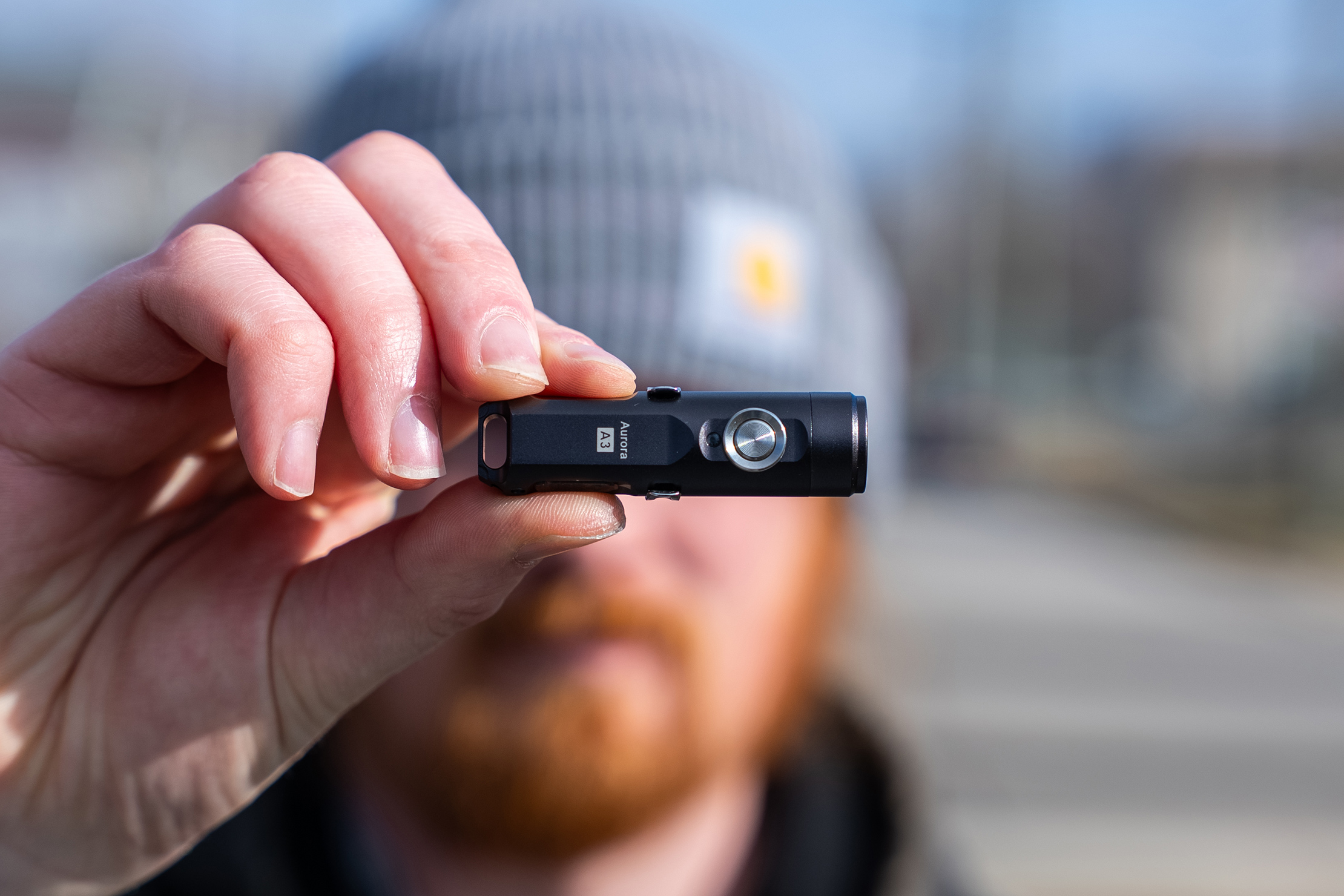
Many of these mini flashlights are lightweight and compact, but not very durable, so that’s a welcome addition. It works with a Chums Surfshorts Wallet, a front-pocket wallet featuring a pocket to store your keys and other items. The RovyVon fits here and can be comfortably carried in your pocket when attached.
Quick Comparison
Many people on the internet have criticized the NITECORE TIKI for being a copy of RovyVon lights. Whereas we appreciate the budget-friendly price of the TIKI, you’re getting more bang for your buck with the ROVYVON.
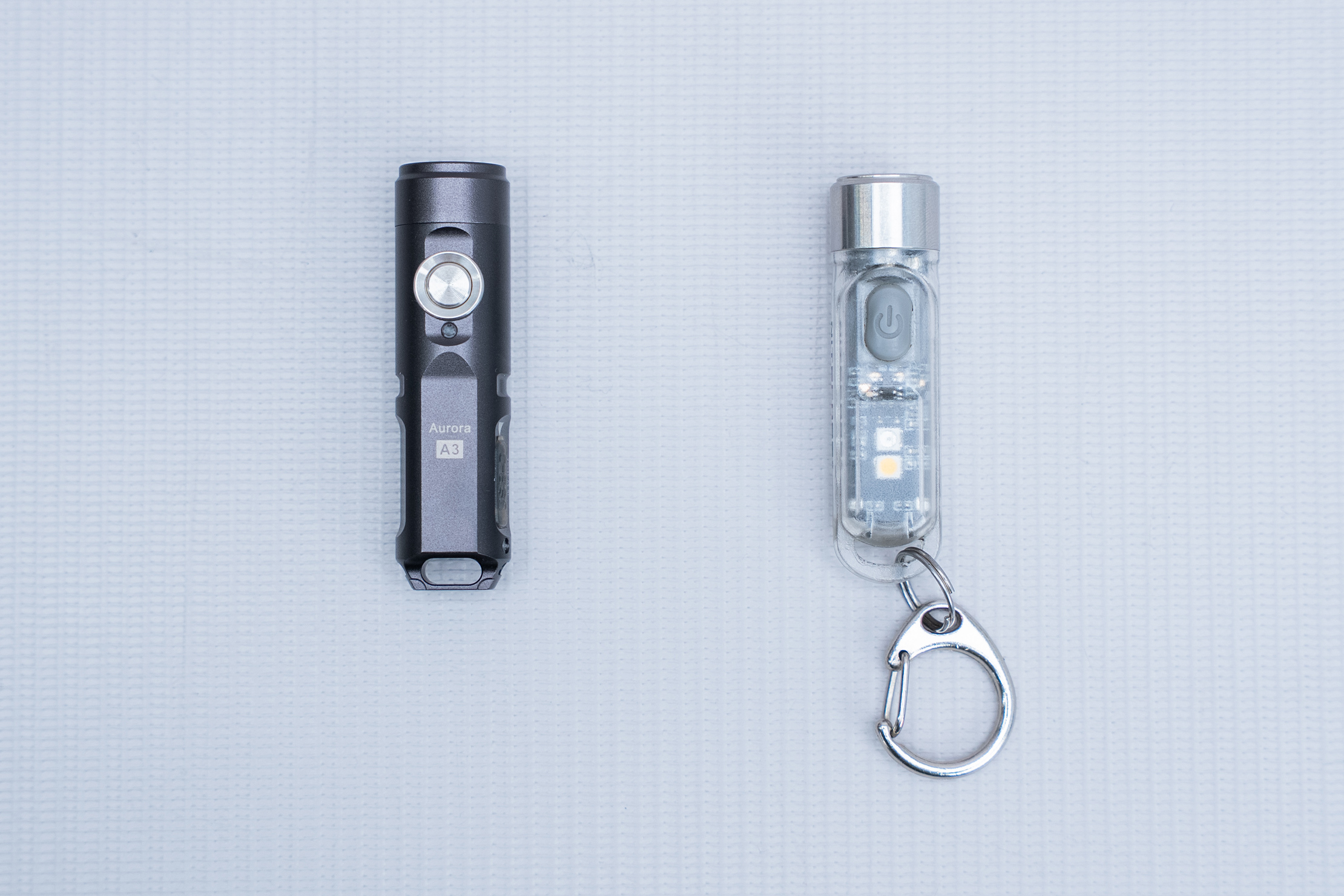
The Tiki maxes out at 300 lumens, which isn’t as high as either of the models we’ve tested here. Additionally, although the Tiki claims to have a 500 mAh battery, it only lasts 30 minutes at maximum brightness, which is less than the RovyVon lights with lower output.
The TIKI has secondary lights, including models that feature combinations of LED and UV or LED and blue LED. However, we’ve been using the TIKI for years and rarely use either of these functions.
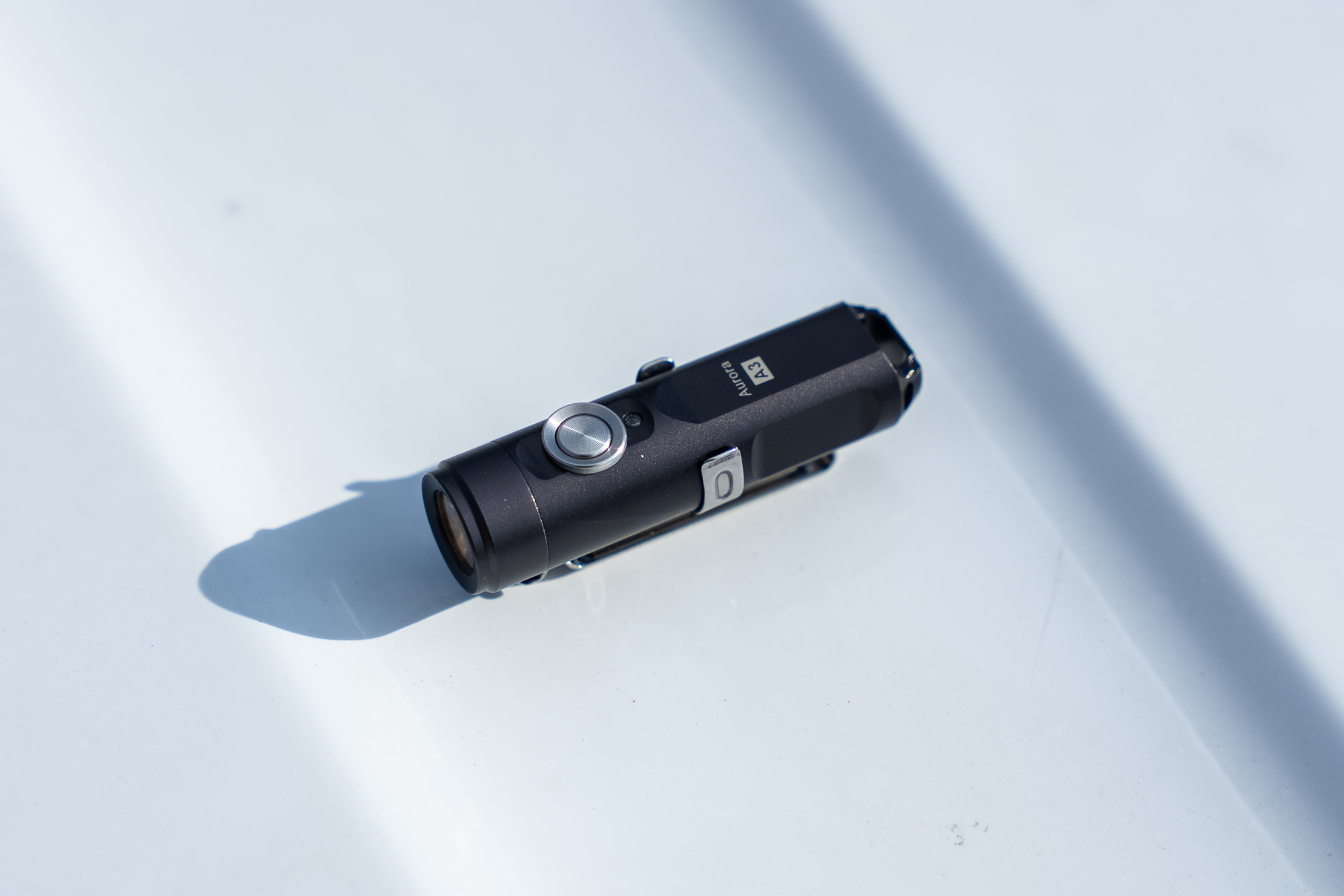
The RovyVon light is more durable, better performing, and the OG. Still, it is quite a bit more expensive, and not everyone needs all the features provided by the RovyVon. However, we’re sure that this is a better light, so we encourage you to choose it if you can.
Usage Timeline
Condition: Excellent
- The exterior has held up very well—it almost looks brand new
- No issues with the button, USB-C charging port, or attachment points
- The light appears to meet most of the standards that the brand holds it to
Condition: Excellent
- The materials continue to hold up well
- We’ve had no issues with the electronics



Get your questions about the RovyVon Aurora A3 (G4) USB-C Keychain Flashlight answered from our team and the Pro Community right here on the page. Plus, join discussions with other members about gear, guides, and more.
Join Pack Hacker Pro or, Sign In