Logitech Keys-To-Go 2 Review
The Logitech Keys-To-Go 2 delivers a comfortable typing experience in an impressively thin package, making it a solid travel companion for tablets.
Our Verdict
Save time. Get access to brief summaries of our reviews so you can browse and make decisions more efficiently.
Pros
- Its thin, lightweight design makes it easy to pack alongside a tablet
- The built-in cover protects the keyboard and creates a comfortable typing angle
- Long battery life means you won't need to worry about frequent replacements
Cons
- The $80 price is high compared to other compact Bluetooth keyboards
- The keys lack the satisfying feel of a good mechanical keyboard
- Its small layout may feel cramped during long typing sessions
Technical Details
-
Weight (oz)
7.84 oz (222.3 g)
-
Dimensions
9.84 in x 4.13 in x 0.17 in (25 x 10.5 x 0.4 cm)
-
Notable Materials
Recycled Plastic
-
Manufacturing Country
China
-
Warranty Information

Full Review
The Logitech Keys-To-Go 2 is a slim, portable keyboard designed to make typing on a tablet feel a little more like using a laptop. We’ve used it with an iPad, MacBook, and iPhone, and while the small size comes with some tradeoffs, it’s a surprisingly comfortable option for getting real work done without carrying a full-size keyboard or computer.
The Rundown
The Keys-To-Go 2 is made primarily from plastic, and we dig the way it feels. It doesn’t have the cheap, hollow feeling that some small keyboards can have, and it feels sturdy enough to handle being tossed into a backpack or travel bag. Logitech also uses certified post-consumer recycled plastic in the keyboard, giving old consumer electronics plastic a second life and helping reduce the brand’s carbon footprint. Our Lilac version uses 33% recycled material, while the Graphite and Off-white versions use 36%.
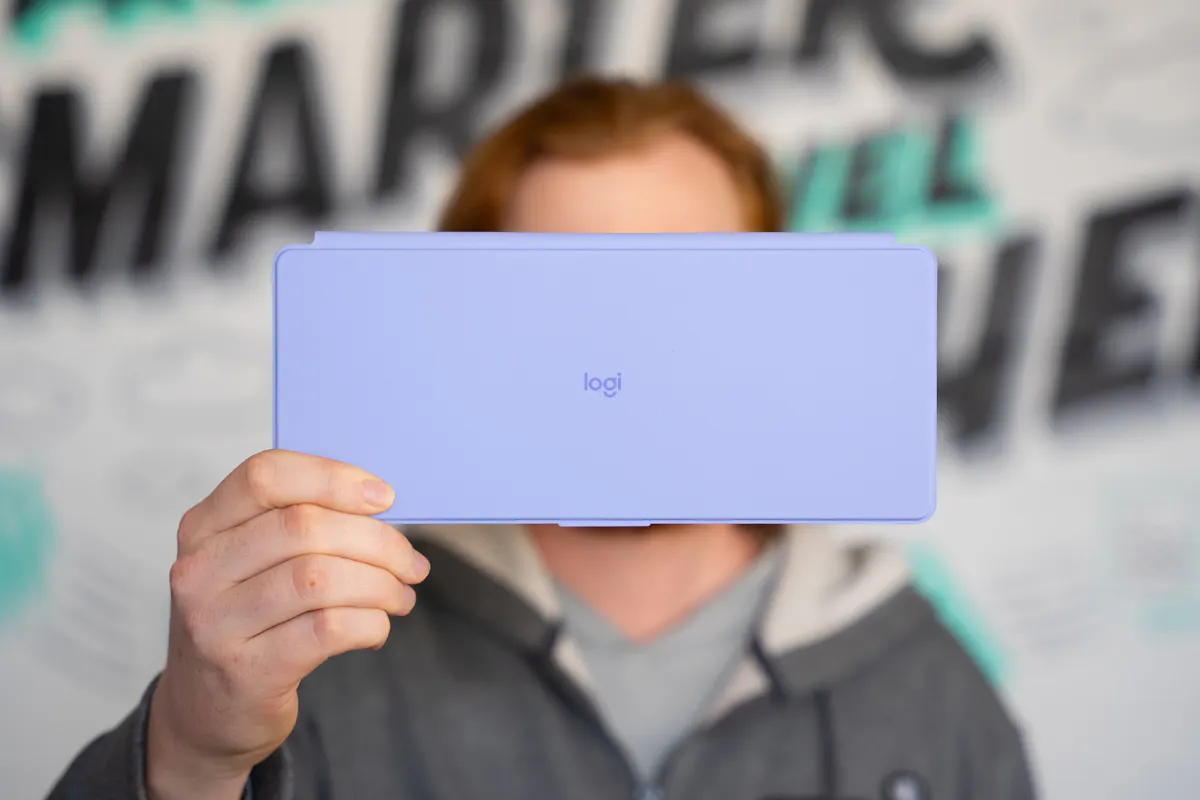
There are a few other sustainability touches worth calling out, too. The aluminum in the Keys-To-Go 2 keyboard bracket is made using renewable energy rather than fossil fuels, and the paper packaging comes from FSC-certified forests and other controlled sources. These things aren’t necessarily reasons to buy this keyboard on their own, but it’s good to see Logitech considering the environmental impact of the product and its packaging.
The Keys-To-Go 2 uses replaceable coin cell batteries for power. Logitech rates the battery life at up to three years based on two hours of use per day, which works out to roughly 2,190 hours. That’s a long time between battery changes, especially for a keyboard this portable. We generally prefer USB-C charging on our electronics, but we also don’t have much to complain about when the battery can theoretically last for years.

Connectivity is Bluetooth-only, and it has worked well in our experience. The keyboard supports Android 12.0 or later, ChromeOS, Windows 10 or later, iPadOS 17 or later, iOS 17 or later, and macOS 14 or later. We’ve used it across several devices without running into connectivity issues, which is exactly what we want from a portable keyboard.
One of the more interesting design choices is the built-in cover. It protects the keys when the keyboard is packed away, which is handy when you’re tossing it into a backpack with other gear. It also folds underneath the keyboard when you’re using it, giving the Keys-To-Go 2 a slight angle. That makes it a little more comfortable on the wrists compared to typing on a completely flat keyboard.
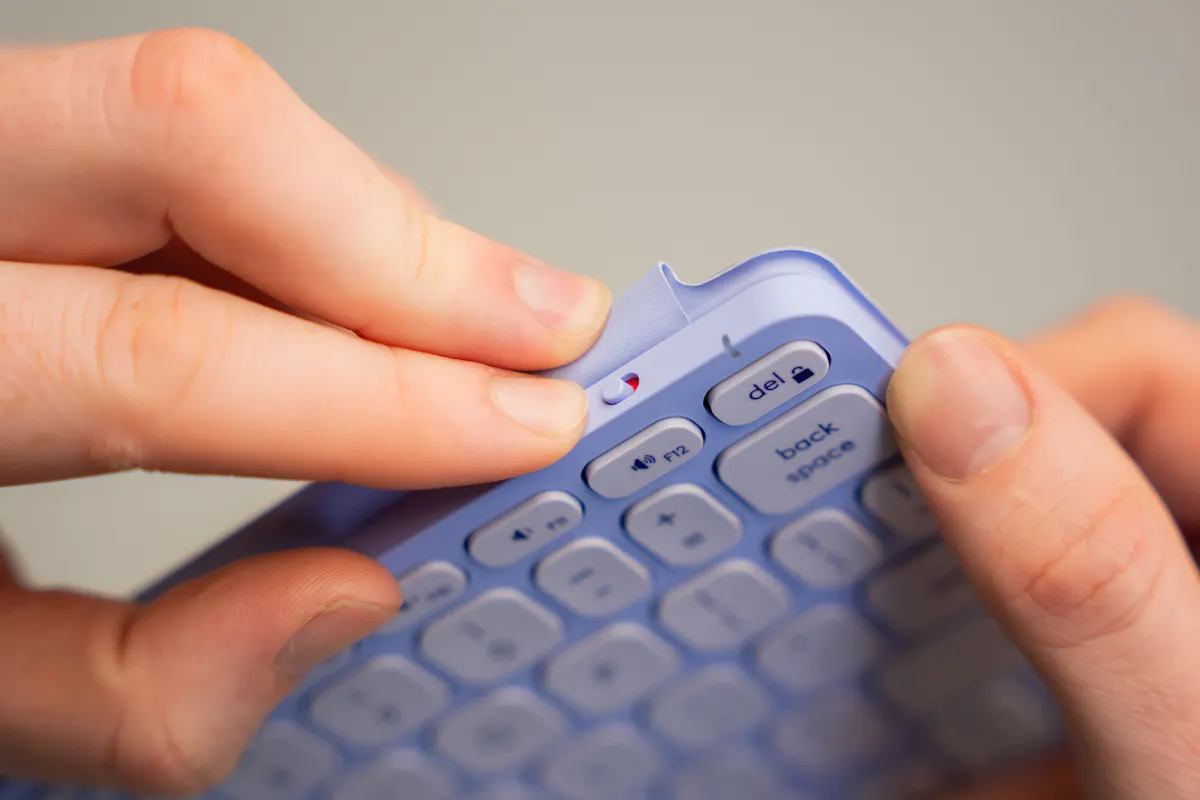
The keys themselves are pretty snappy. They’re quiet and feel good to type on, but they aren’t nearly as responsive or satisfying as a mechanical keyboard. That’s not really a criticism—it isn’t a mechanical keyboard—but if you’re someone who loves the feel of a good mechanical board, the Keys-To-Go 2 probably won’t scratch that particular itch.
For everyone else, though, we like the typing experience. The keys have enough feedback to make typing feel deliberate without being loud, and the layout doesn’t feel like Logitech just crammed a bunch of keys into the smallest possible footprint. If you’re typing all day, you’ll probably notice the smaller size eventually, but for travel, general use, or working from a tablet, it gets the job done.
There’s no number pad, but we wouldn’t expect one here. The entire point of the Keys-To-Go 2 is portability, and adding a number pad would undermine much of that purpose. If you’re doing heavy data entry, look elsewhere. For writing emails, documents, messages, and the occasional spreadsheet, we don’t miss it.

At around $80 at the time of writing, the Keys-To-Go 2 isn’t exactly a cheap portable keyboard. The typing experience is good, the build quality is solid, and the design is genuinely travel-friendly, but some people may look at the price and expect a little more from the keys. If you’re already used to a high-end mechanical keyboard, especially, the Keys-To-Go 2 may feel less impressive than the price suggests.
Packability
The Keys-To-Go 2 measures 9.84 inches (25 cm) long, 4.13 inches (10.49 cm) wide, and between 0.17 and 0.35 inches (0.43–0.89 cm) thick. It weighs 7.84 ounces, or 222 grams. In other words, it’s about the footprint of one of those brochures you might grab from a hotel lobby. Obviously, it’s quite a bit thicker, but for a keyboard that doesn’t feel particularly cramped while typing, those dimensions are pretty impressive.
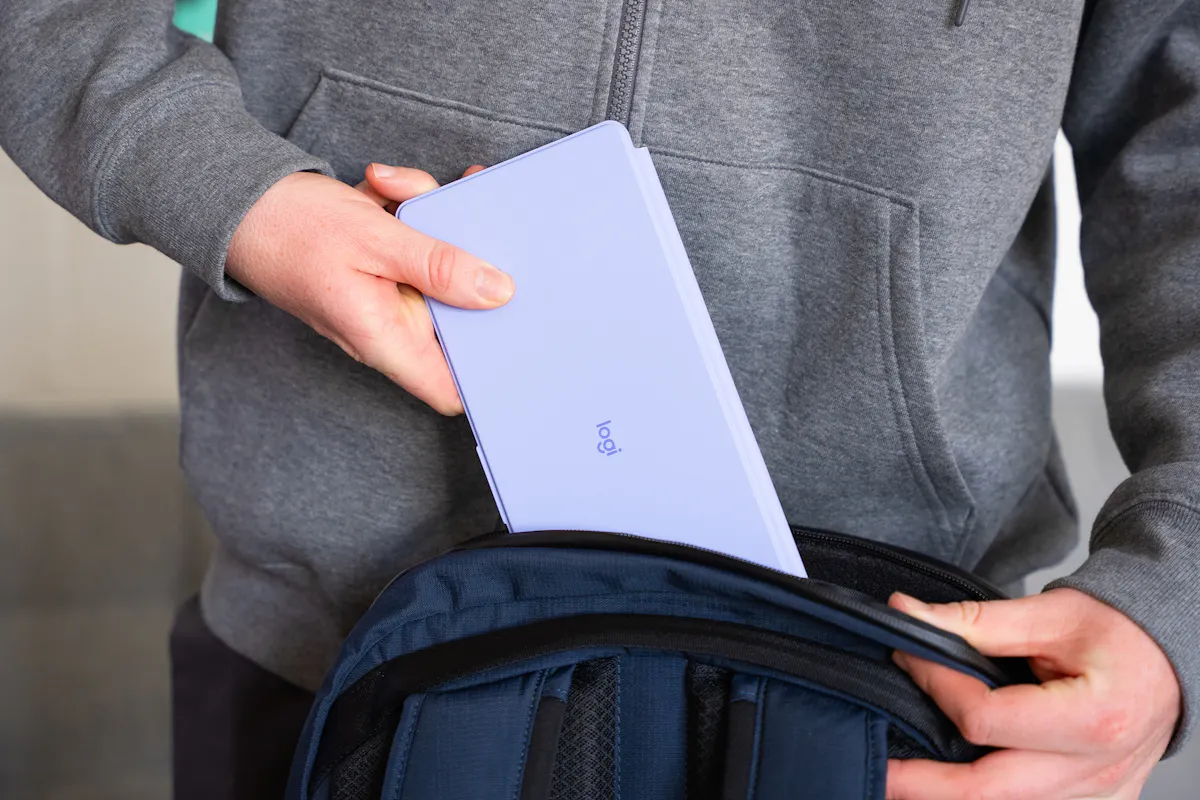
It also doesn’t really feel like a mini travel keyboard when you’re using it. It’s small, but not so much that every key feels like it’s fighting for space. If you type all day, you might start to feel cramped after several hours, but it’s still substantially better than typing on a tablet’s on-screen keyboard.
The Keys-To-Go 2 probably won’t fit inside your average tech pouch. It might squeeze into a particularly large one, but most tech pouches simply aren’t wide enough. That said, its extremely flat profile makes it easy to find somewhere else to put it.
The laptop compartment of a daypack or travel backpack is an obvious choice, as is a tablet sleeve. You can even slide it into a larger sling if there’s enough room. Because it’s so thin, you don’t have to dedicate much additional space to it, even though it isn’t a keyboard that folds or rolls up.
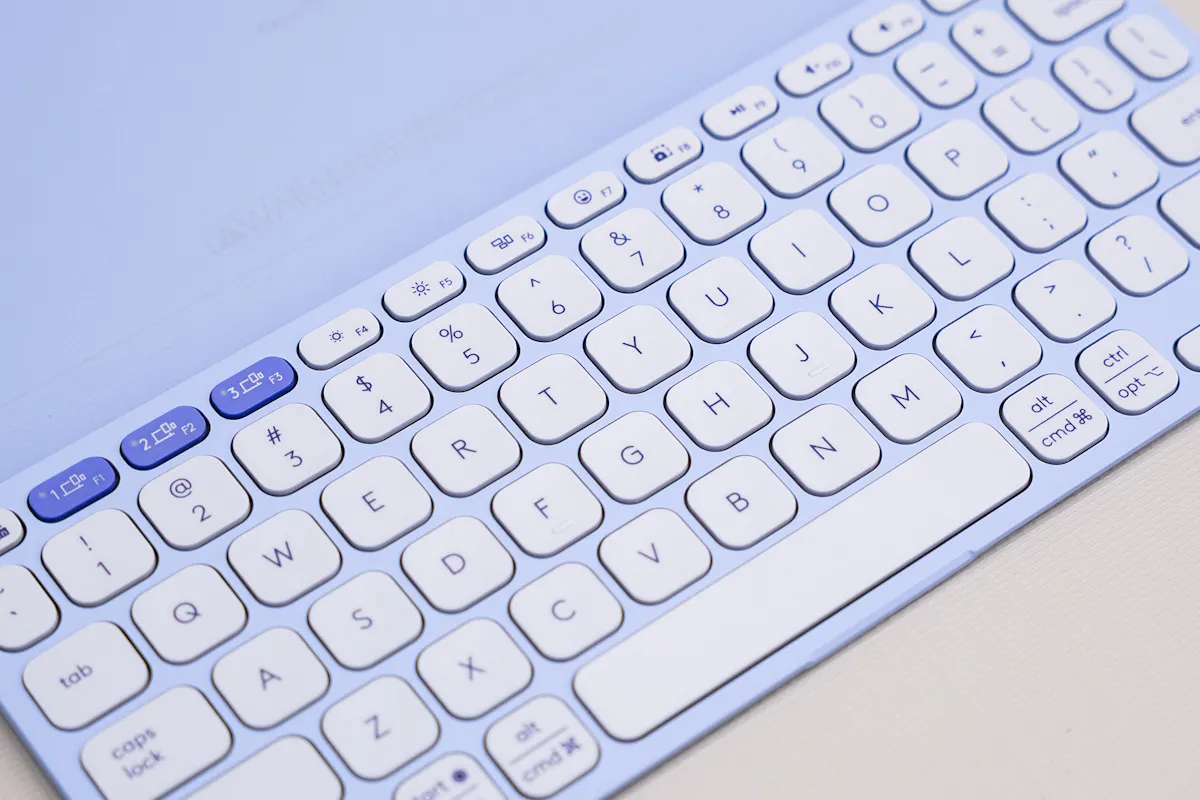
Overall, this is a highly packable keyboard. Logitech managed to make it small enough to travel with without making it so small that using it becomes frustrating. That’s a pretty good balance.
Quick Comparison
The most obvious comparison is the Logitech Pebble Keys 2 K380S, which currently costs around $40 compared to roughly $80 for the Keys-To-Go 2.
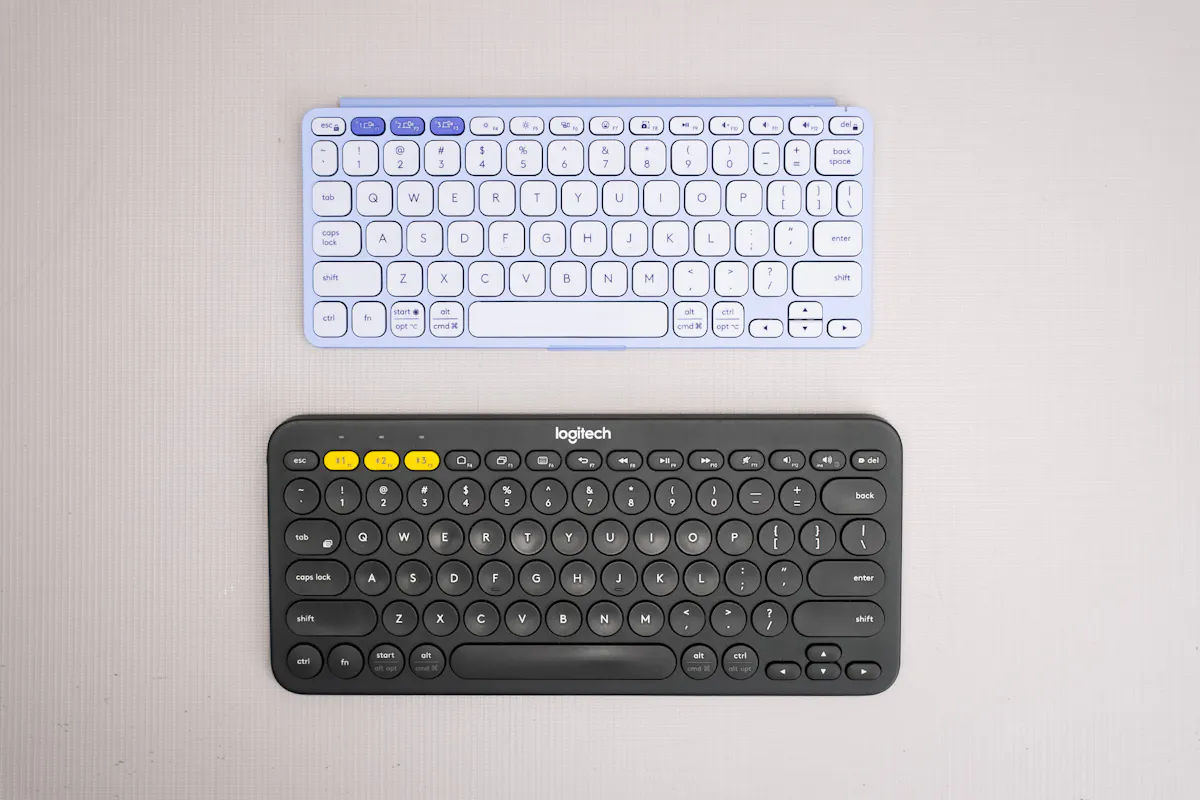
The Pebble Keys 2 K380S is a little more traditional in its design, while the Keys-To-Go 2 is built specifically around portability. Both are small enough to travel with, and both provide a substantially better typing experience than using a tablet screen, but they approach that goal differently.
The Keys-To-Go 2 wins when space is the priority. Its thin profile makes it easy to slide into a laptop compartment, tablet sleeve, or larger sling, and the built-in cover means you don’t need to bring a separate case to protect it. It’s also designed to work particularly well alongside tablets, which is where its form factor makes the most sense.
The Pebble Keys 2 K380S, meanwhile, is a little more traditional and gives you a more familiar keyboard experience. It’s still small enough to travel with, but it doesn’t have the same ultra-flat design as the Keys-To-Go 2.
For casual typing, either can work well. If you’re writing emails, working on documents, or using a keyboard occasionally while traveling, both are solid choices. However, neither is ideal for someone spending 10 hours a day typing or on heavy data entry. The lack of a number pad and smaller overall footprint eventually becomes noticeable. The keys on the Pebble Keys 2 K380S are a little snappier, but they both perform well.
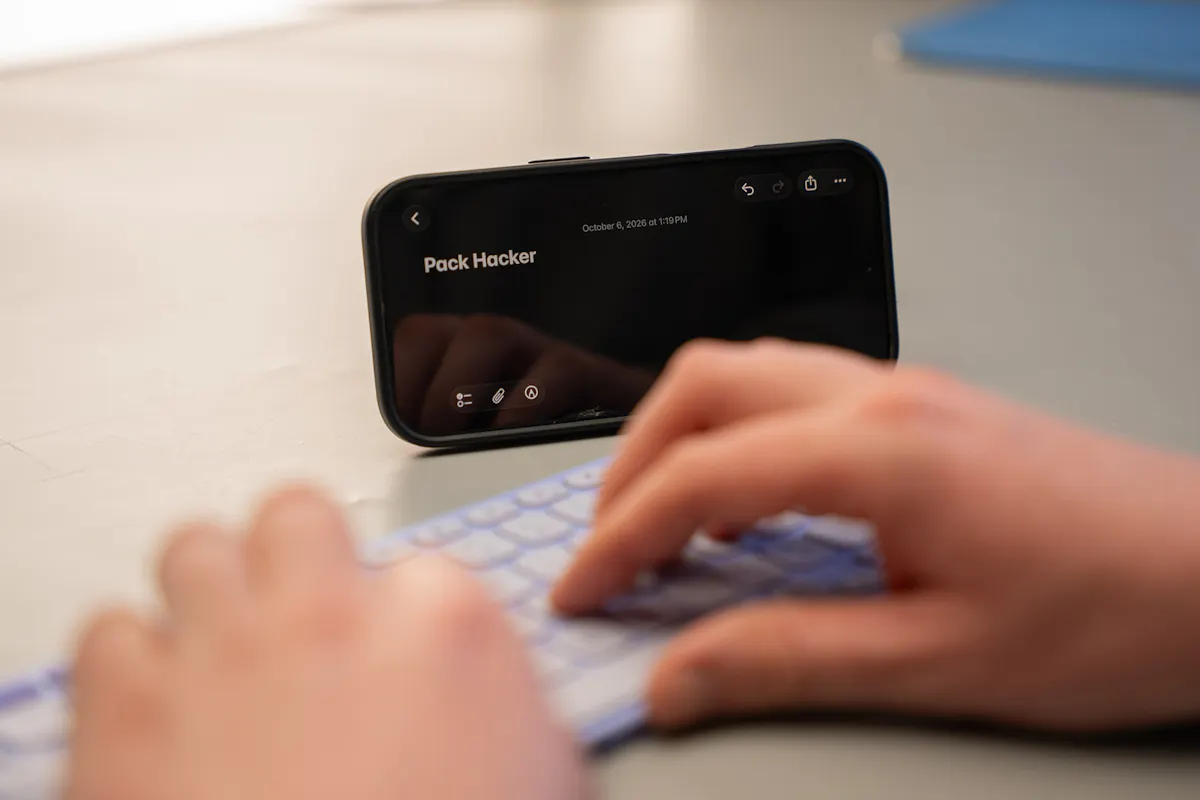
The biggest question is whether the Keys-To-Go 2 is worth paying roughly twice as much. For us, the answer depends heavily on how you travel. The Keys-To-Go 2’s thin profile, built-in cover, and tablet-friendly design make it substantially easier to pack, and those benefits are exactly what we want from a travel keyboard.
If you just want an inexpensive Bluetooth keyboard to throw into your bag, the Pebble Keys 2 K380S is the better value. But if you want something specifically designed to travel alongside a tablet and take up as little space as possible, the Keys-To-Go 2 makes a strong case for itself.
We dig the Keys-To-Go 2. It won’t replace a great mechanical keyboard, and the $80 price tag may be tough to swallow for some users. Still, it succeeds at what it’s designed to do: giving you a comfortable physical keyboard without turning your tablet setup into a giant pile of gear.
Usage Timeline
Condition: Excellent
- The plastic feels durable, but we’ll put it to the test
- We dig the color options
- No issues with the snappiness of the keys so far
Condition: Excellent
- The plastic has held up well without issue
- The magnets are still snappy and easy to use
- The bluetooth has been reliable



Get your questions about the Logitech Keys-To-Go 2 answered from our team and the Pro Community right here on the page. Plus, join discussions with other members about gear, guides, and more.
Join Pack Hacker Pro or, Sign In